
For boutiques and fashion sellers
Sizes, drops and exchanges, sorted.
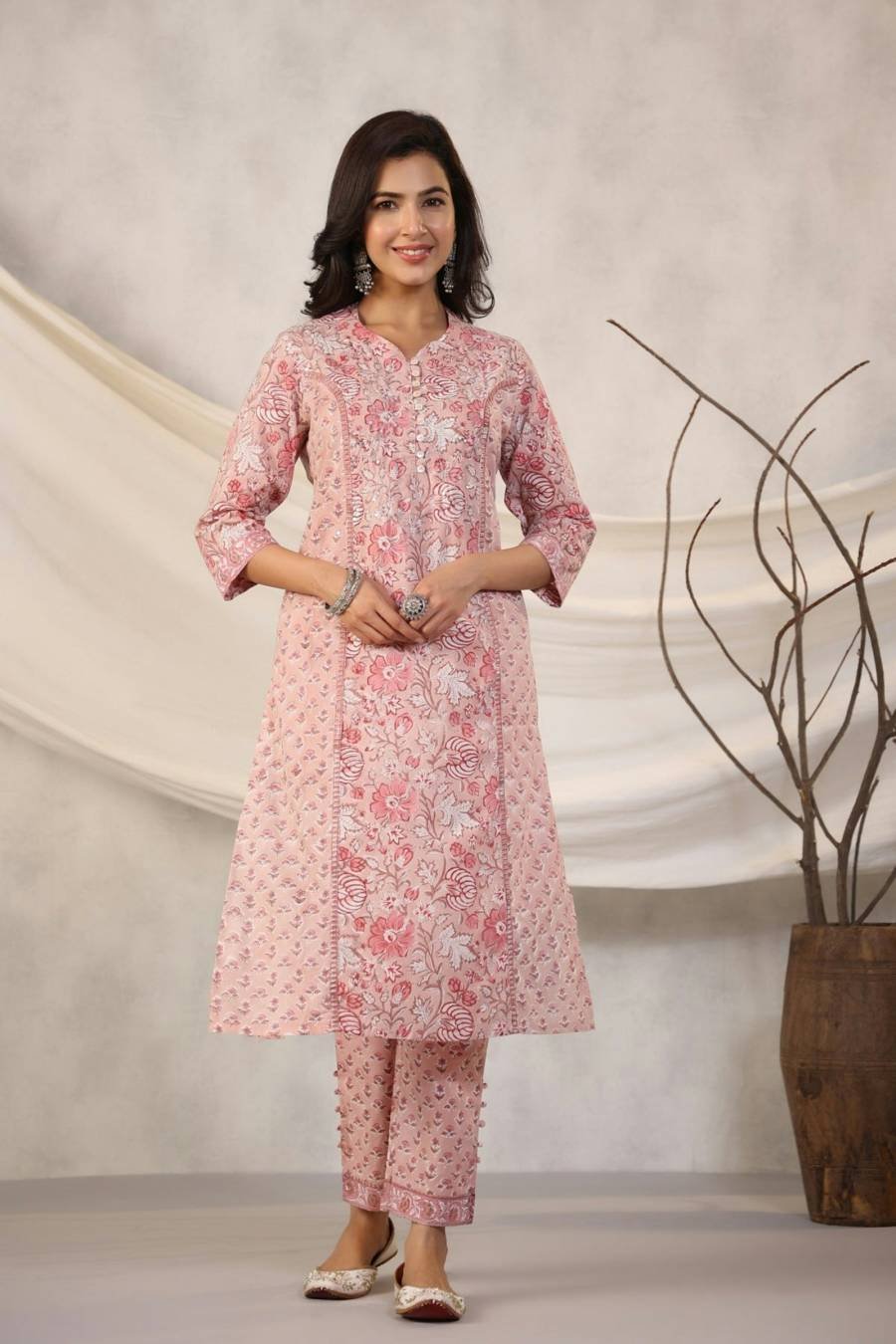
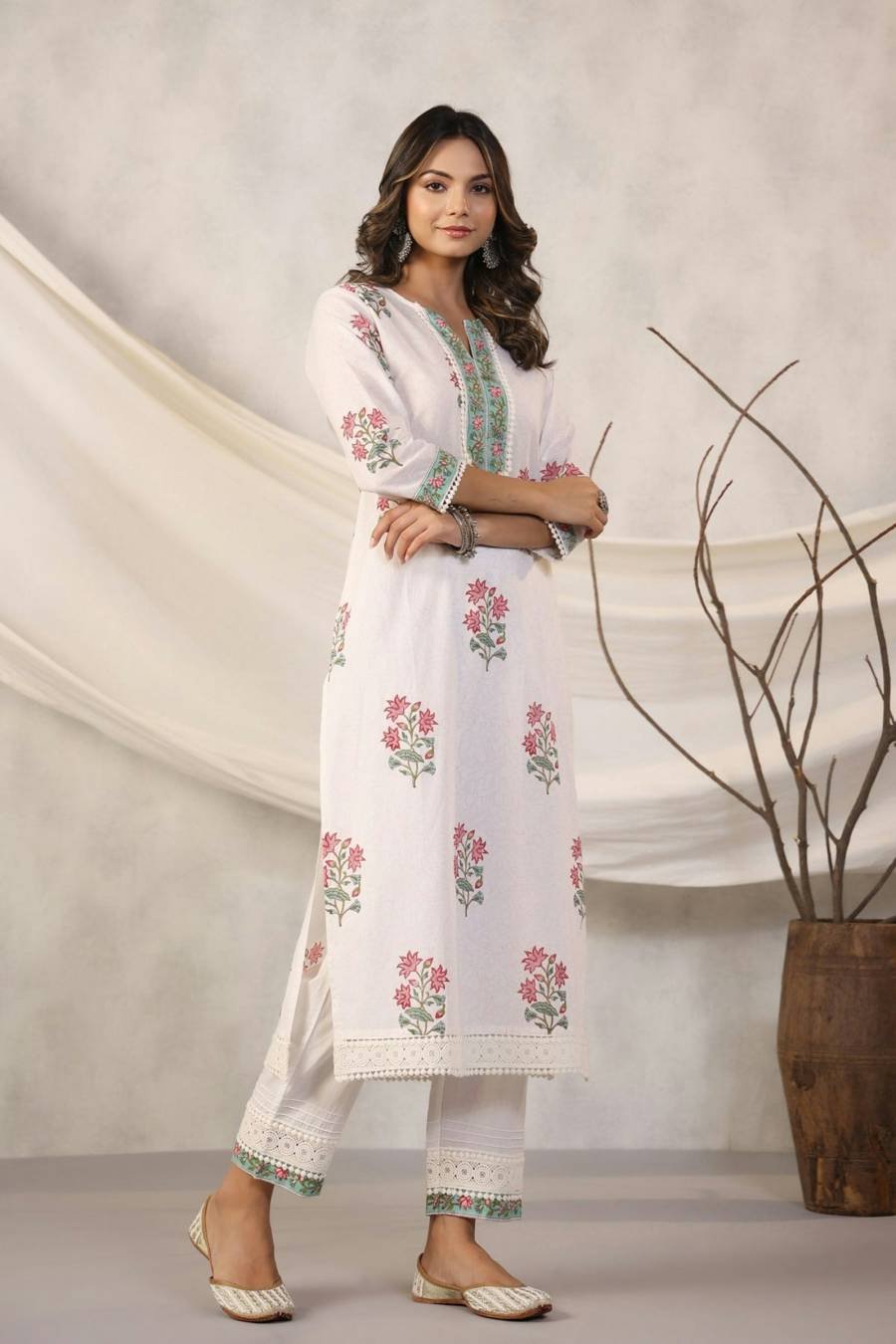
Add a kurta once with all its sizes and colours. Customers pick their size and pay, and if it doesn’t fit they ask for another size from their order page.
Nothing to pay to start. You pay only when you sell.
- Stock per size and colour
- Exchanges for another size
- New-drop messages
- UPI, cards and COD
Sound familiar?
Every new drop brings a flood of DMs.
-
“Size?” “Colour?” “Available?”
You answer stock questions one by one while the drop sells out.
-
Exchanges agreed in chat
Swaps and returns are settled in DMs and tracked on paper.
-
COD parcels that come back
Some cash-on-delivery orders are refused after you’ve paid to ship them.
One shop for every drop. Stock for each size, exchanges on the order page, and COD orders confirmed before you pack.
New drops
Launch a drop in one post.
Post the collection with codes. Comments and DMs with a code get the buy link, and customers choose their size on your shop page.
- One product, every size. Each size and colour has its own stock, so a sold-out size can’t be ordered.
- Back in stock. Customers ask for a sold-out size and get a message when it’s back.
- Drop messages. Send the new collection on WhatsApp to customers who agreed to hear from you.
- Post from your shop. Photos and caption ready, now or at a time you pick.
Orders and exchanges
Fewer refused parcels. Easy exchanges.
Keep cash on delivery, with rules that protect you, and handle exchanges without a single chat.
- COD, confirmed. Customers confirm COD orders with one tap before you pack.
- COD rules. Set a maximum COD order value and a COD fee, or turn COD off.
- Exchange for another size. Customers ask from their order page, you approve, and the new size ships as a replacement order.
- Your return window. Choose how many days after delivery a return or exchange can be asked for.
Built for you
Made for how fashion sells.
How it works
From new drop to delivered.
Add your styles
Photos, price and every size and colour, each with its stock.
Post the drop
Share the collection on Instagram and send it on WhatsApp.
Customers pick a size
They choose size and colour, then pay by UPI, card or COD.
Ship, exchange if needed
Labels, AWB and WhatsApp updates; exchanges start from the order page.
Questions
What boutiques ask us
Can each size have its own stock?
Yes. Add sizes and colours as variants. Each has its own stock, price and code, and a sold-out size can’t be ordered.
How do exchanges work?
Turn on returns and exchanges in your settings. The customer picks the item and the new size from their order page. When the item reaches you, a replacement order for the new size is made at no charge.
Can I limit cash on delivery?
Yes. Set a maximum order value for COD and a COD fee, or turn COD off. Customers confirm COD orders with one tap, so you know who is serious before you pack.
Can I take pre-orders for a new collection?
Yes. Make it a pre-order product with a ship-from date. Customers pay now and you ship from that date.
Do I need an Instagram professional account?
Yes. Code replies, posting from your shop and Live sales use an Instagram business or creator account connected to your shop, on plans that include Instagram selling.
Your next drop deserves a proper launch.
Set up your shop this evening. Nothing to pay to start.