
Payments
Get paid the way your customers like to pay.
UPI, cards and net banking, UPI straight to your own ID, or cash on delivery. Every payment arrives attached to its order, so you never match screenshots again.
Nothing to pay to start. You pay only when you sell.
- UPI, cards, net banking
- UPI to your own ID
- COD with rules
- Refunds
How it flows
From checkout to your bank.
- Customer
- Your shop, automatically
-
Customer
Checks out
Picks UPI, card, net banking, UPI to your ID or cash on delivery.
-
Customer
Pays
In full, or just the advance for made-to-order and food.
-
Your shop, automatically
Payment checked
The order is marked paid once the payment is confirmed.
-
Your shop, automatically
Money moves
To your bank on the payment partner’s schedule, or straight to you.
How money reaches you depends on the payment method; see the questions below.
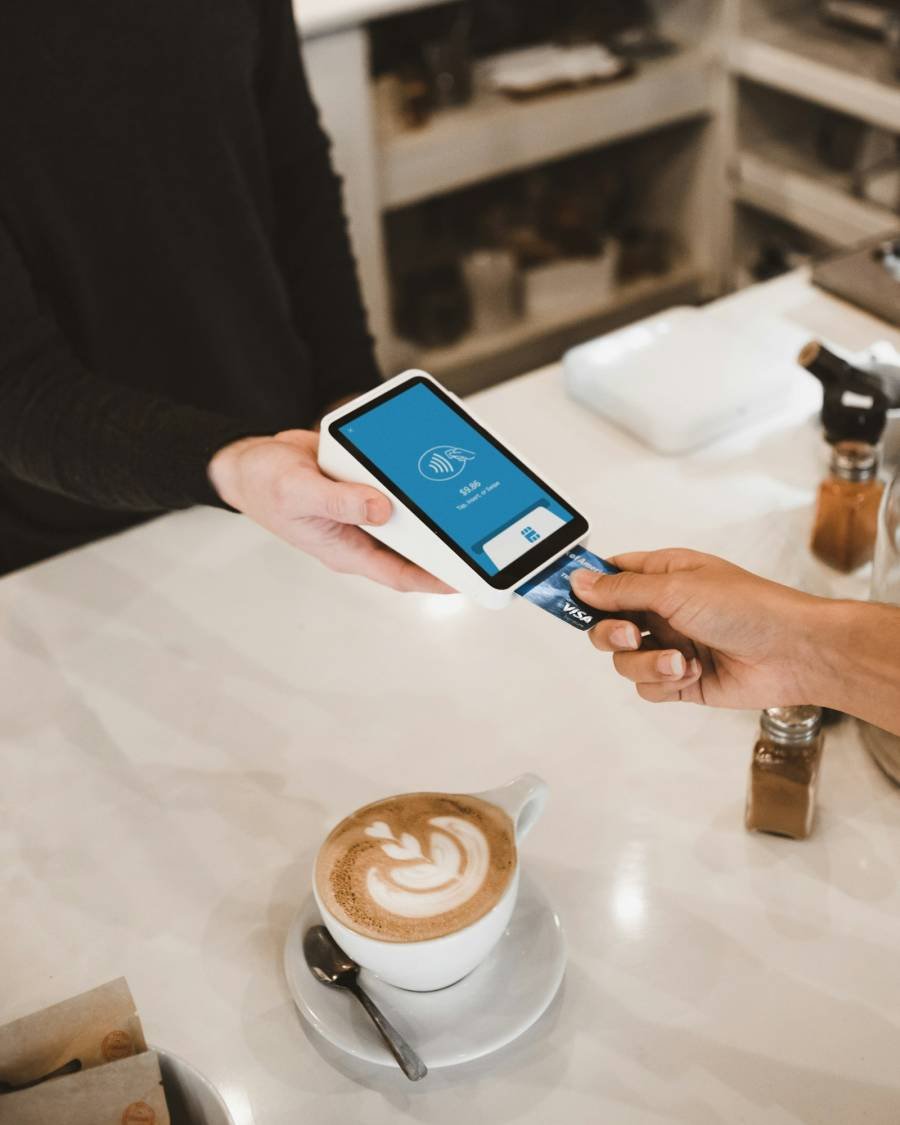
Online payments
Razorpay, Cashfree, PhonePe or PayU.
On the starting plan, payments go through the platform’s Razorpay account and your share is passed on to you. On plans that include it, connect your own gateway account.
- Cards, UPI and net banking. Whatever the gateway offers your customers.
- Your own keys, kept safe. Own-gateway keys are stored encrypted, in test or live mode.
- Payment history. Every payment, refund and fee in one list.
- Refunds. Full or part refunds with a reason the customer sees.
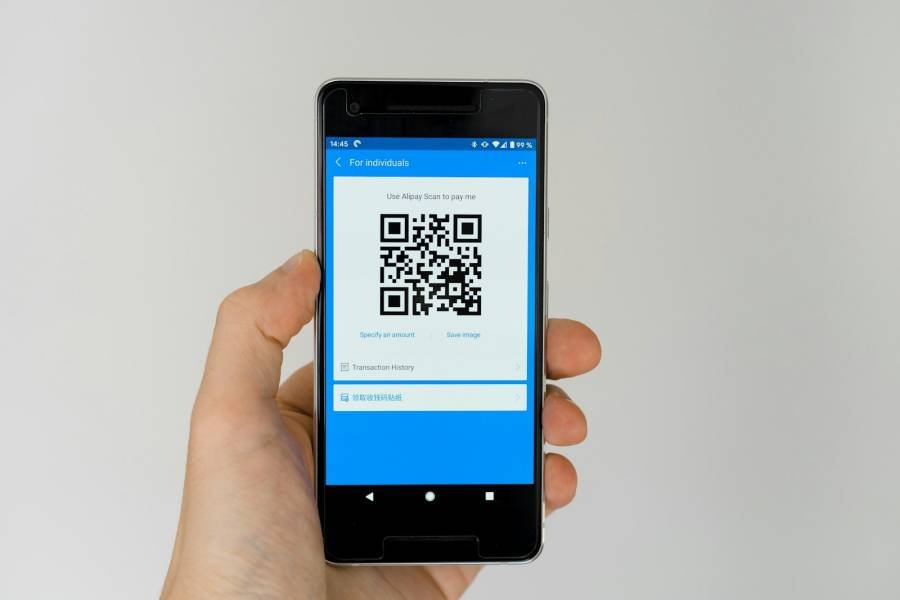
UPI direct and COD
UPI to your ID. COD on your terms.
Customers can pay your UPI ID directly and enter the reference number; you check it against your bank. Cash on delivery comes with rules you control.
- QR or app link. A QR code on a laptop, a UPI app link on a phone.
- Reference check. Customers enter the 12-digit UTR, with an optional screenshot.
- COD rules. A maximum COD order value, a COD fee, or COD off.
- COD confirmed. Customers confirm COD orders with one tap before you pack.

Also included
Money matters, handled.
Questions
Questions about payments
When do I get my money?
Online payments through the platform reach you on the payment partner’s settlement schedule. UPI to your own ID and your own gateway pay you directly. Cash on delivery is collected by you or your courier.
What does it cost?
There is nothing to pay to start. On the starting plan we take a small platform fee only on the orders you receive ([TO CONFIRM: fee per order]). Gateway charges are set by the payment partner.
Can I refund a customer?
Yes, in full or in part, with a reason the customer sees. Online payments are refunded through the gateway; COD and UPI-to-you refunds are recorded by you.
Do I need my own Razorpay account?
No. The starting plan uses the platform’s payment account. Plans that include your own gateway let you connect Razorpay, Cashfree, PhonePe or PayU.
Every payment, attached to its order.
Set up your shop this evening. Nothing to pay to start.