
Orders and delivery
Every order, payment and parcel in one list.
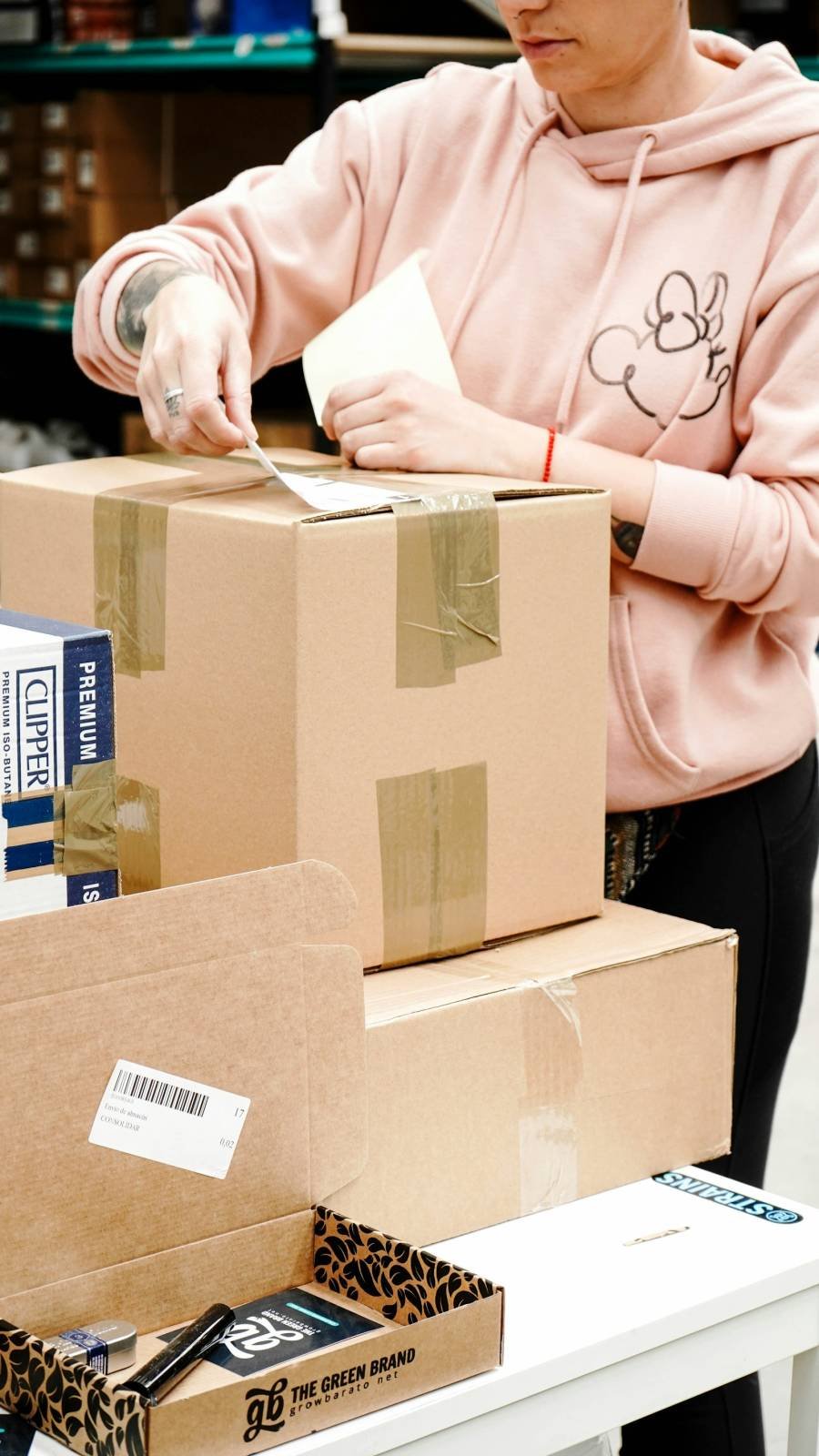
Confirm, pack and ship in batches from your phone or laptop. Customers follow their parcel themselves, and returns start from their order page.
Nothing to pay to start. You pay only when you sell.
- Batch confirm and pack
- Labels and slips
- Tracking page
- Returns and exchanges
How it flows
From new order to delivered.
Skip any step that doesn’t fit your shop.
- You
- Your shop, automatically
- Customer
-
You
Confirm
Check the order; COD orders show if the customer confirmed.
-
You
Pack
Print packing slips and labels for the whole batch.
-
You
Ship
Add the courier and AWB, or mark out for delivery or ready to pick up.
-
Your shop, automatically
Customer told
A WhatsApp update with the tracking link.
-
Customer
Delivered
Cash is recorded for COD; a review request follows.
One list
Work through orders in batches.
Filter by what needs doing, then confirm, pack or print many orders at once.
- Bulk actions. Confirm, pack and print in one go.
- AWB from a file. Upload a CSV with AWB numbers for the whole batch.
- Official tracking links. Customers open the courier’s own tracking page, or a link you add.
- Late orders flagged. Orders waiting too long stand out.
Slips and labels
Print what the parcel needs.
Packing slips on A4, and shipping labels on 4×6 thermal paper or four to an A4 sheet, with a QR code.
- Packing slips. With or without prices, your choice.
- Labels. Thermal 4×6 or four per A4 sheet.
- Returns and exchanges. Customers ask from their order page; you approve, receive and restock.
- Stock history. Every change to stock, with a low-stock alert.

Also included
The small jobs, handled.
Questions
Questions about orders and delivery
Which couriers can I use?
Any. Add the courier and AWB yourself, one by one or from a CSV file. Customers get a link to the courier’s official tracking page. Automatic courier booking is not available yet.
Can I deliver myself or offer pickup?
Yes. Mark orders out for delivery or ready to pick up, and set local delivery fees by pincode.
How do returns work?
Turn on returns in your settings and choose the window. Customers ask from their order page with a reason and photos; you approve, receive the item and refund or send an exchange.
Does the app work on iPhone?
Yes, add the seller panel to your home screen. Order alerts on iPhone need iOS 16.4 or later.
Spend evenings packing, not typing.
Set up your shop this evening. Nothing to pay to start.